
Multiple ads appear on Youtube video these days. You must be a paid subscriber to watch ad free youtube videos. But, I found a tool that can stop ads on youtube videos. There are various ad blocker tools that claim to block ads, but In reality, they can not block the ads. Whereas personally found a tool that perfectly blocks the ads.
How to block ads on Youtube?
Follow the steps below:
- Open Your Google Chrome and Visit the official Chrome Web Store.
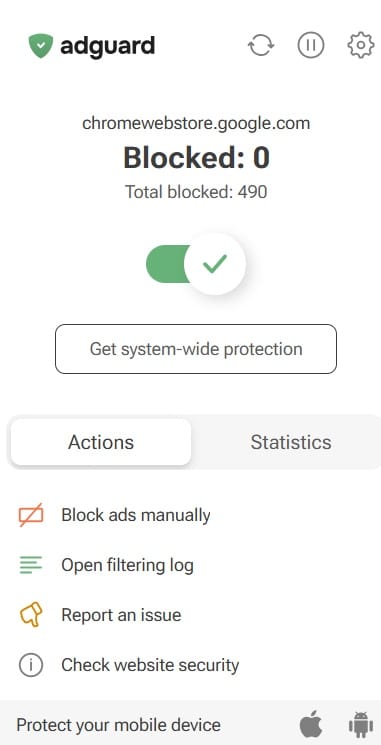
- Now, search for AdGuard. It has more than 20K Review and 5 Start Rating at Store.
- Download and Install the AdGuard AdBlocker. You can install this on a Browser Only or Download it as a software.
- Enable the Extension.
- Thats It.
Now, open any video in Youtube.
I was personally amazed while watching youtube videos that it was perfectly blocking all the youtube ads. If it also worked for you, comment below.
How to block ads on Youtube on Mobile?
The owner also provides the app in Google Play Store as well. You can download and try this. But, it is not effective as chrome extension on PC.